Recently, some of you guys have been asking us how to change your font color. It is actually very simple. When you are logged into the room:
Click your profile picture at the top right corner, then click ‘Chat Options’, then click ‘Chat Bubble’.
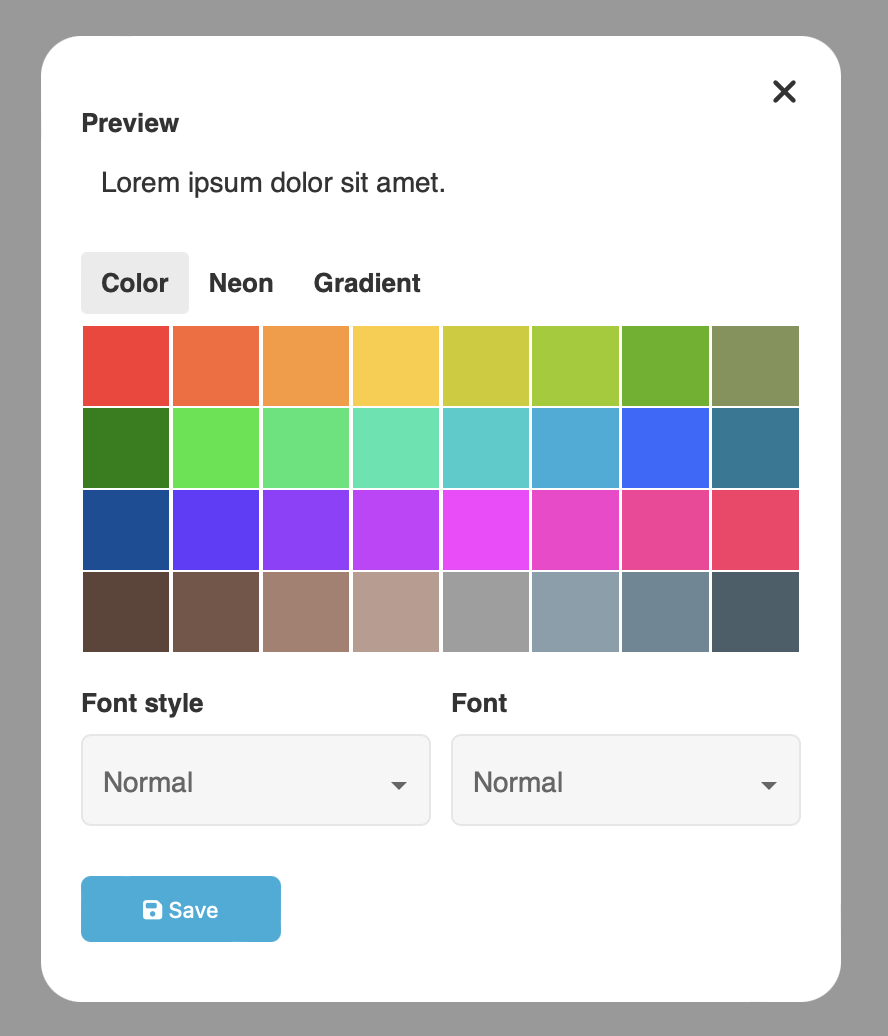
Select your desired color, font style and font from the drop down menu.
All users have this ability. You do not need to register to change your font color.
All done!
Hello, I would like to know how to change my username color/font for kidschat.
hi