Some of you are wondering how to view or make a wall post.
For you to see and make new wall posts in the chat rooms, you need to be a registered user. Guests are not allowed to post.
You will be the posts of those you have added as your friends.
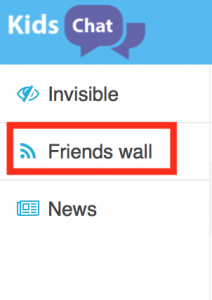
First click the wifi icon at the left panel:


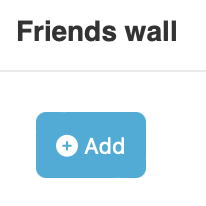
A new screen will appear where you can see your feed for your friends wall. To add your own wall post, click the ‘Add’ button:
A new screen will open on the right where you can create your own. It’s really that simple! Enjoy.
Thanks alot!
i’ve wanting to be a mod on kidschat for 2 years, and y’all was rude… is it that y’all hate me?! i treat this ‘site’ respect and this is how you repay me?! … i just wanted to be mod and y’all never picked me which made me kinda depressed well i guess i’ll try again next time
Hello want be my friends